Introduction
By 2025, mobile devices account for over 72% of all global web traffic. Yet, too many businesses still design for the desktop "perfect scenario" and treat mobile as an afterthought. This isn't just a design flaw—it's a business liability.
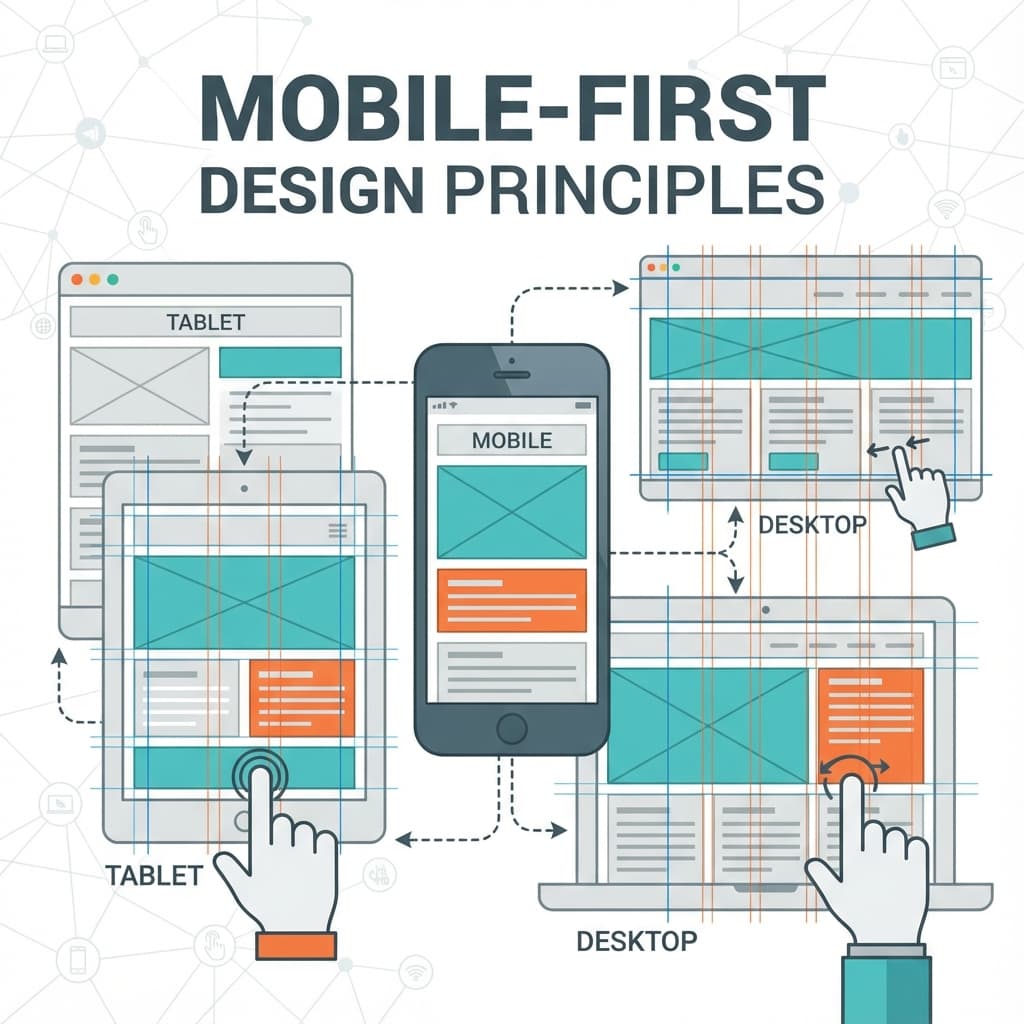
"Mobile-first" isn't just a buzzword; it's a fundamental workflow shift. It means starting your design process with the smallest screen, forcing you to prioritize the most essential content and actions.
1. The Business Case for Mobile-First
Improving Conversions
Users on mobile are often distracted or in a hurry. If they can't find the "Buy" or "Contact" button in 3 seconds, they leave. Simplifying the UI for mobile directly correlates with higher conversion rates.
Google's Mobile-Only Indexing
Google now crawls only the mobile version of your site to determine rankings. If your desktop site has great content but your mobile site hides it behind "Read More" accordions or removes it entirely, Google assumes that content doesn't exist.
2. Core Principles of Mobile Design
Thumb-Friendly Interfaces
The "thumb zone" is real. key interactive elements (navigation, CTAs) should be easily reachable with a thumb when holding a phone one-handed.
- Do: Place navigation bars at the bottom.
- Don't: Put the primary "Menu" button in the top-left corner (the hardest place to reach).
Touch Targets Matter
Fingers are less precise than mouse cursors. Apple's Human Interface Guidelines recommend a minimum target size of 44x44 points.
- Increase padding around links.
- Ensure buttons have enough separation to prevent "fat finger" errors.
3. Technical Implementation: CSS Grid & Flexbox
Modern CSS makes responsive design cleaner than ever. We no longer need 10 different breakpoints.
Fluid Typography Example:
css:root {
  /* Scale text fluidly between 320px and 1200px viewports */
  --font-size-base: clamp(1rem, 2vw + 0.5rem, 1.25rem);
}

body {
  font-size: var(--font-size-base);
  /* Use grid for sophisticated layouts that re-stack automatically */
  display: grid;
  grid-template-columns: repeat(auto-fit, minmax(300px, 1fr));
}
4. Performance as a Design Feature
On mobile, bandwidth and battery are finite resources.
- Image Optimization: Use WebP/AVIF formats and
srcsetto serve smaller images to phones. - Code Splitting: Don't ship the heavy interactive map to a mobile user until they scroll to it.
- CLS (Cumulative Layout Shift): Reserve space for ads and images so the text doesn't jump around while reading.
5. Testing in the Real World
Don't trust Chrome DevTools' "Device Mode" blindly. It simulates the screen size but not the thermal throttling or network latency of a real device. At Kaapotech, we test on a device lab including $100 Android phones and 4-year-old iPhones to ensure our sites work for everyone, not just users with the latest flagship.
Conclusion
Mobile-first is no longer a "nice to have"—it is the baseline for a professional web presence in 2025. By designing for constraints, you build a faster, more focused, and more resilient product for all users.